
Mobile games you can play in your phone's browser
All four of our games work on a phone or tablet in the browser today, and Android versions are heading to Google Play.

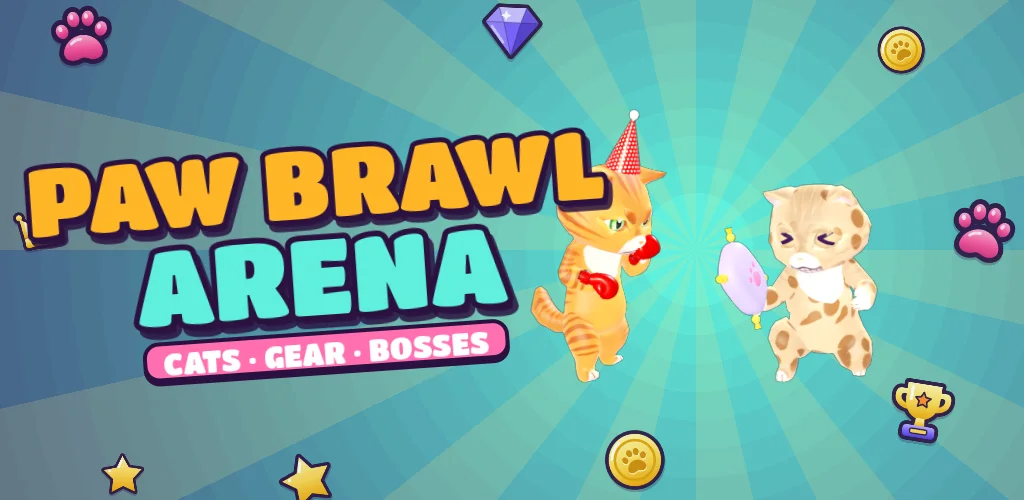
Paw Brawl Arena
Sideways, with move, jump, dash, punch, fire and special buttons.
Play Paw Brawl ArenaPlay now in your browser
Open any of the games on your phone, press Load game and wait for the bar. The first load is 25 to 35 MB, so Wi-Fi is the kind option for your data plan. After that, your browser remembers the files.
Upright or sideways?
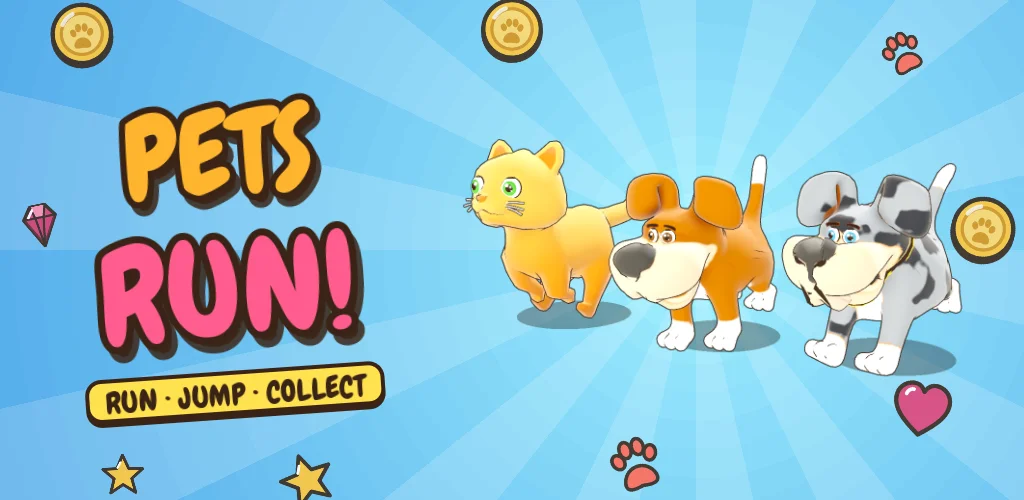
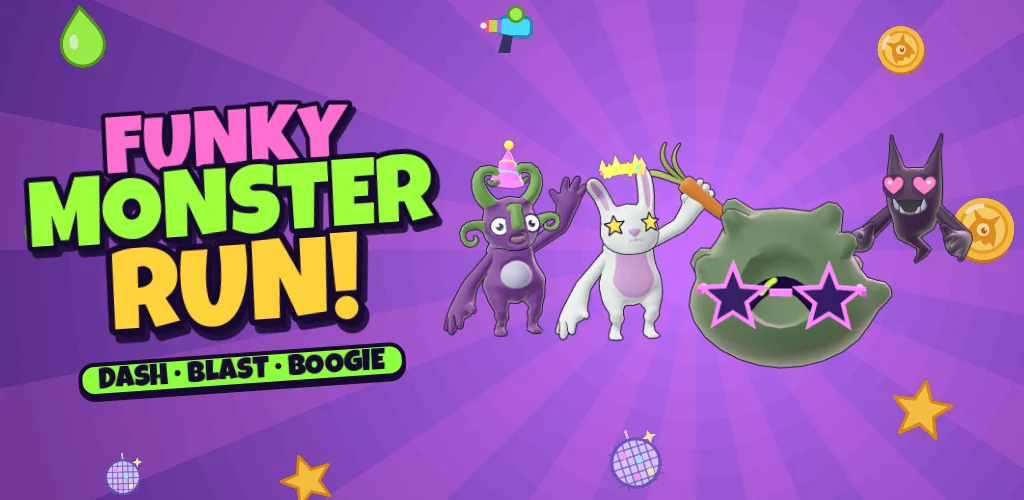
- Pets Run and Funky Monster Run are made for an upright phone and fill the whole screen.
- Pop Blast Heroes and Paw Brawl Arena are made for a sideways phone. Turn it and tap the full-screen button for the best view.
Android apps on Google Play
All four games are also built as Android apps and are heading to Google Play. They are free with short ads, and they work without an internet connection. We will say so here when they launch.
Tips for playing on a phone
- Use full screen. It hides the browser bars and gives the game more room.
- Close other tabs. 3D games need memory.
- Keep your phone charged; 3D games use battery.
- Turn on your phone's do-not-disturb mode so notifications do not pause the game.
- On an older phone, try the Battery graphics setting in the game's Settings.
Tablets and big screens
Tablets are great for these games: bigger buttons, bigger picture. On a laptop you get the keyboard controls, which many players prefer.
Updated 2026-11-17
Questions people ask
Can I play these games on an iPhone?
Yes, in Safari or Chrome. If the full-screen button does not work, the game will open on its own page instead.
Are the Android apps out yet?
Not yet. They are heading to Google Play. Meanwhile the same games work in your phone's browser.
How much data does it use?
The first load downloads about 25 to 35 MB for the game, plus a few MB for each new world or pet. After that your browser keeps the files.