

Family games you can play together on one screen
Our games are single-player, but they are surprisingly good for families. Here are ways to make one screen into a shared game.
Take turns, keep score
All four games show a score at the end. Agree on a stage, a world or a run, and each person has one go. Whoever gets the most stars, the highest score or the longest run wins. Write the scores on paper.
Four ideas that work
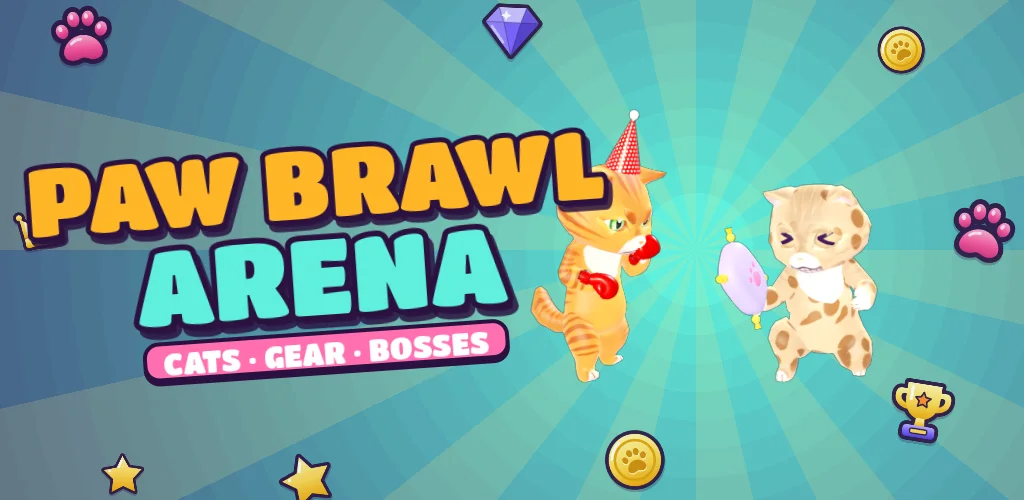
- Boss night. Pick a boss in Paw Brawl Arena or Pop Blast Heroes. Everyone has a try until it falls.
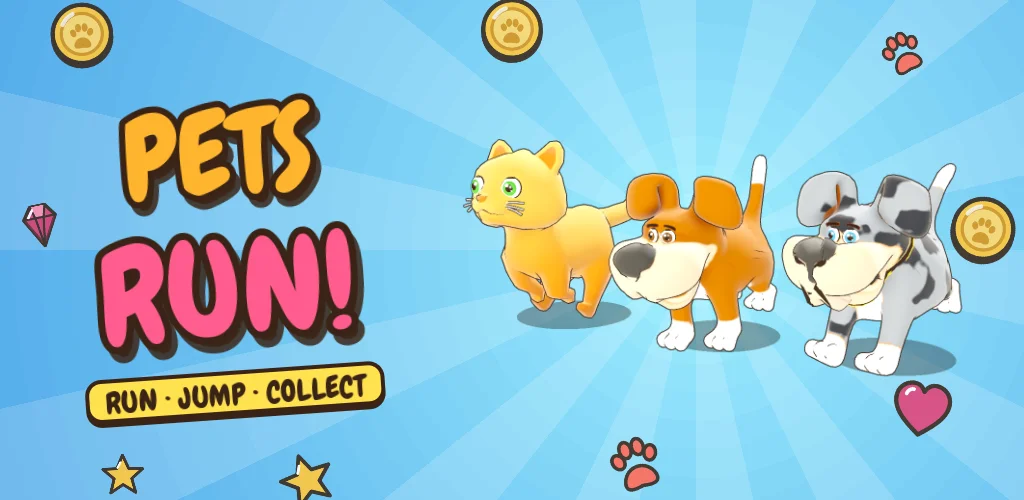
- Pet parade. In Pets Run, each person chooses a pet and plays one run. Vote on the funniest pet.
- Hatch day. Save paw coins, then hatch an egg together and cheer for the surprise.
- Coach and player. One person plays, one reads the obstacles aloud. Swap after a minute.
Different ages, same screen
Younger players can use Kitten or Easy Peasy, grown-ups can pick the harder setting, and AUTO in Paw Brawl Arena can give a small child a taste of winning. Everyone can see the screen because the games are bright and clear.
Sharing the keyboard
The controls are all on one side: the arrow keys, or A and D with Space. Shift one chair over and you can swap without anyone moving. On a tablet, simply pass it.
Grandparents, parents, children
We wrote a page for older players and grandparents and one for kids. Together they cover most families.
Updated 2026-11-17
Questions people ask
Is there a two-player mode?
No. All four games are single-player. The page suggests ways to make them shared: turns, coaching and score races.
Which game is best for a mixed-age family?
Pets Run, because everyone can understand it in seconds and no one needs to be good at fighting. Pop Blast Heroes is a close second.
Can we play on a TV?
If your TV has a browser, or you connect a laptop with a cable or cast the screen, yes. The games run in a normal browser.